
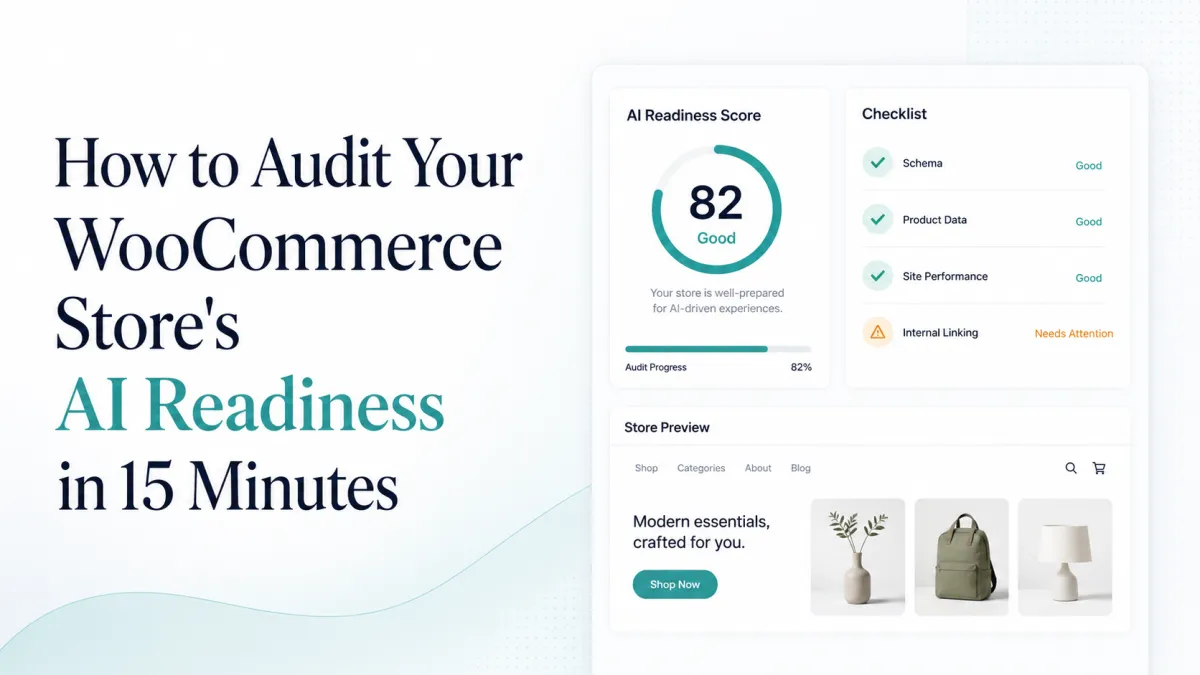
What does “AI-ready” mean for a WooCommerce store?
An AI-ready store makes its published product facts easy to crawl, interpret, verify, and keep current. That does not guarantee a recommendation in ChatGPT, Perplexity, Google, or any other system. It removes preventable ambiguity: missing identifiers, conflicting prices, inaccessible pages, incomplete offers, and policies that machines cannot connect to the merchant.
This audit is intentionally short. Use one representative simple product, one variation product, and one product with a sale price. Record failures; do not redesign the store during the audit.
Minutes 0–3: Can machines reach the product?
Open the product URL in a private browser with no customer session.
Confirm it returns HTTP 200 and does not require JavaScript to reveal the name, description, price, and availability.
Check that robots.txt, a meta robots tag, or an SEO plugin does not block the page.
Confirm the canonical URL points to the preferred product URL, not a category, staging domain, or parameterized duplicate.
Verify the product appears in a sitemap that search systems can discover.
Minutes 3–6: Can the product be identified?
Check the visible page and product record for:
A specific product name rather than a category-level label.
Brand or manufacturer where applicable.
SKU for internal consistency.
GTIN when the product has a manufacturer-assigned identifier.
MPN when relevant and genuinely assigned.
Variation attributes such as size, color, material, or pack quantity.
Never invent a GTIN or reuse one across products. If a product genuinely has no global identifier, represent that truth consistently instead of filling the field with a placeholder.
Minutes 6–9: Does structured data match the offer?
Inspect Product JSON-LD with a structured-data testing tool or the page source. Compare it with what a customer sees:
Name, image, description, brand, SKU, GTIN, and MPN.
Current price and currency.
Availability and item condition.
Variation relationships for variable products.
Seller and merchant identity.
A technically valid schema block can still be wrong. A stale price or “InStock” value on an unavailable item is worse than a missing optional field because it creates conflicting facts.
Minutes 9–12: Are merchant policies connected?
Shipping cost and delivery expectation are visible before payment.
Return window, method, and fees are clear.
Business name and contact route are consistent.
Product images are accessible, descriptive, and large enough to evaluate.
The same product facts appear consistently in the page, schema, and any merchant feed.
Minutes 12–15: Can you detect drift?
Choose an owner and a repeatable check. Product readiness is not a one-time score: prices, stock, variations, categories, and policies change. Your system should identify which products lost an identifier, developed a schema conflict, or disappeared from a feed after an update.
Free audit scorecard
| Area | Pass when | Priority |
|---|---|---|
| Access | Preferred URL is crawlable and canonical | Critical |
| Identity | Real identifiers and variations are complete | High |
| Offer | Schema matches visible price and stock | Critical |
| Policies | Shipping and returns are explicit | High |
| Monitoring | Changes can be audited again | Medium |
Take one practical step
Install Emargy GEO Lite, run Merchant Readiness, and fix the first critical issue on one published product. The free audit checks real WooCommerce catalog fields locally; it does not require sending your product data to an external AI service.