
Can GA4 track traffic from ChatGPT and Perplexity?
GA4 can identify an AI assistant when the browser sends a recognizable referrer. It cannot reveal every visit influenced by an AI answer. Apps, privacy controls, copied links, redirects, and browsers can remove referral information, causing some visits to appear as Direct or another source. Report “visible AI referrals,” not total AI-driven traffic.
1. Find the sources already present
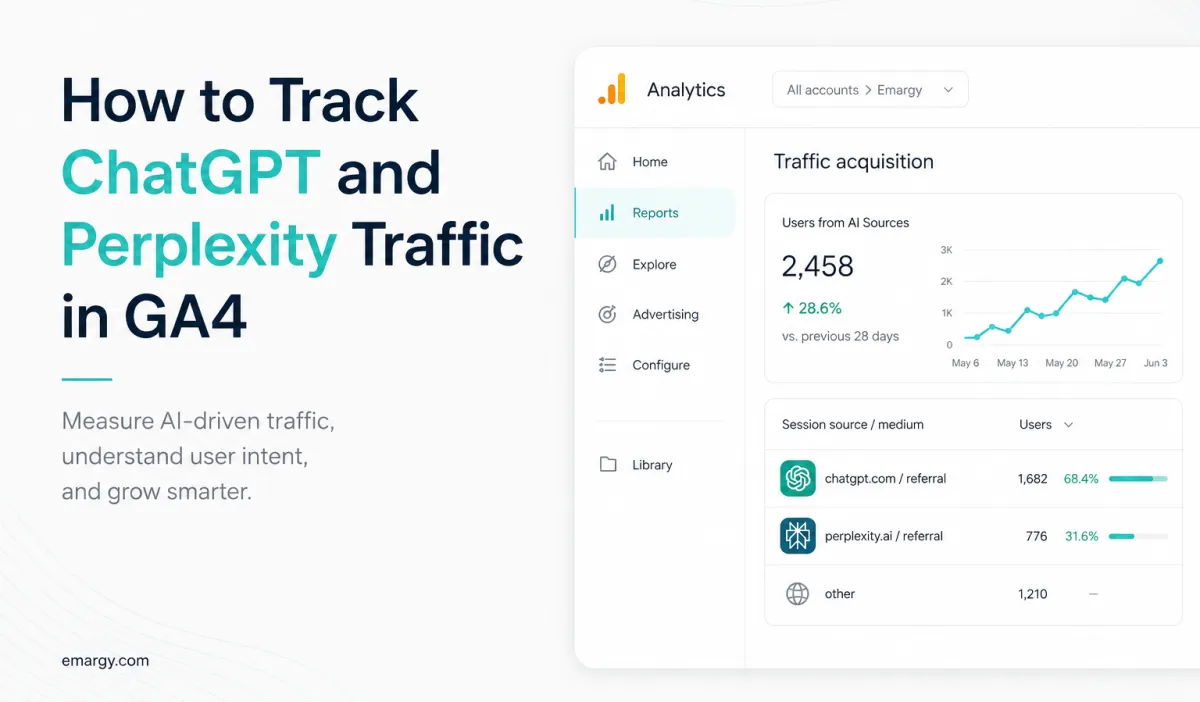
Open Reports → Acquisition → Traffic acquisition. Change the primary dimension to Session source / medium and search for known domains such as:
chatgpt.comoropenai.comperplexity.aicopilot.microsoft.comgemini.google.comclaude.ai
Do not assume the list is permanent. Inspect the actual source values in your property before creating a rule. Referral hosts and application behavior can change.
2. Create an exploration before changing channel rules
In Explore → Free form, add Session source / medium, Landing page + query string, Device category, Country, Sessions, Engaged sessions, Key events, Purchases, and Total revenue. Filter Session source with a regex similar to:
chatgpt|openai|perplexity|copilot|gemini\.google|claude\.ai
Test the filter against existing rows. Keep the raw source/medium visible so a broad expression does not silently absorb unrelated traffic.
3. Build a custom channel group
If your GA4 property supports custom channel groups, create a channel named AI Assistants. Use a Session source rule matching the verified sources. Place the rule before a broad Referral rule so the traffic is categorized as intended. Preserve the original Default channel group for comparison.
Google documents the available dimensions and rule behavior in its custom channel group guide.
4. Measure outcomes, not visits alone
| Question | GA4 view | Why it matters |
|---|---|---|
| Where do they land? | Landing page | Shows which answers or products earn citations |
| Do they engage? | Engaged sessions and time | Separates useful visits from accidental clicks |
| Do they shop? | view_item, add_to_cart, begin_checkout | Locates commercial intent |
| Do they buy? | Purchases and revenue | Connects visibility to outcomes |
5. Preserve evidence outside the headline report
Save a monthly export containing source/medium, landing page, sessions, key events, purchases, revenue, and the exact regex used. Annotate GA4 configuration changes. If traffic volume becomes material, BigQuery export can support longer retention and transparent query logic.
What GA4 cannot prove
How often your brand appeared in an AI answer without a click.
Which unseen answer influenced a later Direct visit.
All app-to-browser transitions where referrer data is removed.
Whether a citation caused the conversion without a controlled attribution method.
UTM parameters help only when you control the link. You generally cannot force an external AI assistant to append your campaign tags, so source-based reporting remains incomplete by design.
Take one practical step
Create the exploration today and save your first baseline, even if it contains zero visible AI referrals. Then install Emargy GEO Lite and use Tracking Debug to confirm that WooCommerce product, cart, checkout, and purchase events are available for GA4/GTM measurement when optional tracking is enabled.