
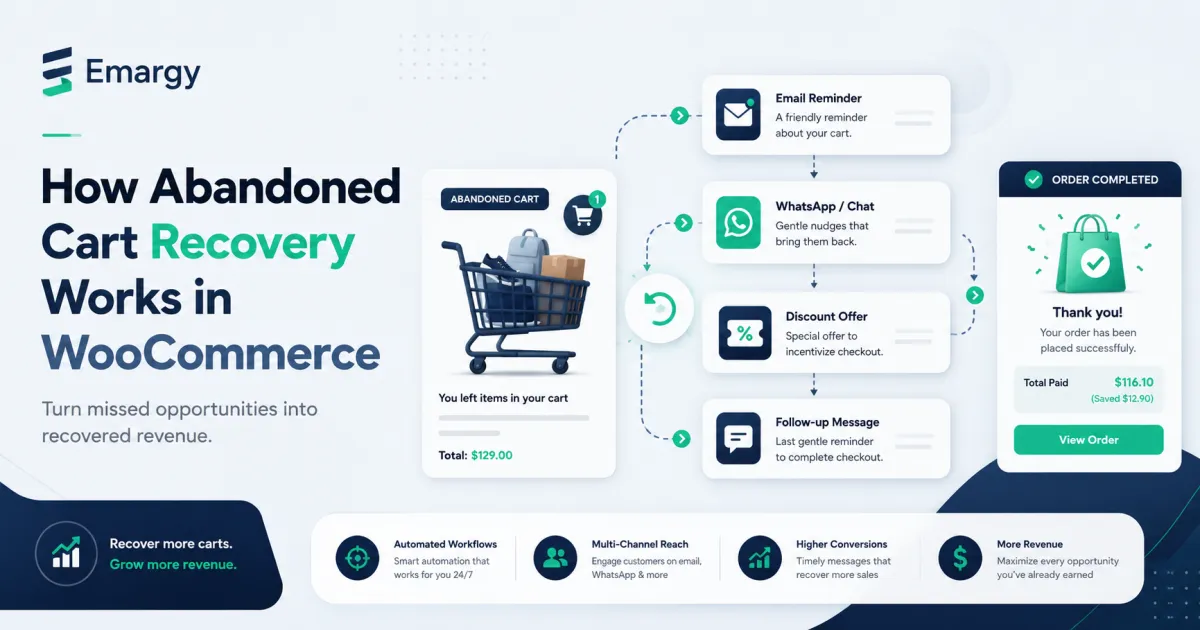
How does abandoned-cart recovery work in WooCommerce?
A recovery system must capture enough cart state to rebuild the purchase, identify a customer lawfully, wait long enough to distinguish a pause from abandonment, send a useful message, and stop immediately when the customer buys or opts out. The message is the visible part; state and suppression are the parts that protect customers and revenue.
1. Define when a cart becomes recoverable
“Added a product” is not enough. Decide what minimum signal qualifies: a checkout email, an authenticated customer, or a separate explicit form. Document the inactivity window and expiry window. A cart can be abandoned after 30–60 minutes for some stores, while considered shopping-in-progress for longer research-heavy purchases.
2. Store only the state you need
A practical record includes a random cart token, product and variation identifiers, quantities, currency, last activity, customer identifier where permitted, status, and consent/suppression state. Do not store payment credentials. Recalculate prices, stock, coupons, and shipping when the customer returns; old cart data is not authority for a new order.
3. Build recovery links as credentials
A recovery token should be long, random, unguessable, and revocable. Do not put an email address, phone number, or cart contents in the URL. On open, validate expiry, rebuild only purchasable items, explain anything that changed, and rotate or invalidate the token after use where appropriate.
4. Write a sequence that has a reason to exist
- Reminder: restore context and provide the exact route back.
- Help: answer likely delivery, sizing, compatibility, or payment questions.
- Final message: close the sequence. Use a discount only when the margin and customer strategy justify it.
Do not send three rewrites of “you forgot something.” Each message should resolve a different obstacle. Timing should come from your purchase cycle and tests, not a universal template.
5. Suppress before every send
Immediately before delivery, check whether the order completed, the cart changed, the customer unsubscribed, the address bounced, the product became unavailable, or another workflow already sent a message. Queue claiming should be atomic so overlapping workers cannot send the same reminder twice.
6. Attribute carefully
Record delivery, click, recovery, and time-to-recovery. A recovered order should connect to the cart and campaign without exposing the raw token in analytics. Report both attributed orders and, when possible, incremental lift against a control group.
Pre-launch checklist
- Create a private test cart with a product variation and coupon.
- Confirm identity capture works in classic checkout and WooCommerce Blocks.
- Let the cart become abandoned and inspect the queued send time.
- Open the recovery link in a clean browser and verify stock and totals are current.
- Complete the order and confirm all remaining reminders are cancelled.
- Test unsubscribe, bounce, retry, and overlapping cron workers.
- Review logs to ensure message bodies, tokens, and personal data are not exposed unnecessarily.
Emargy Flows implements this workflow for WooCommerce with cart capture, recovery email templates, queue controls, suppression, frequency caps, quiet hours, and recovery analytics. Whether you use it or another system, the checklist above is the standard the implementation should meet.
Further reading
- Action Scheduler documentation for background job processing in WordPress.
- WooCommerce Accounts and Privacy settings.