
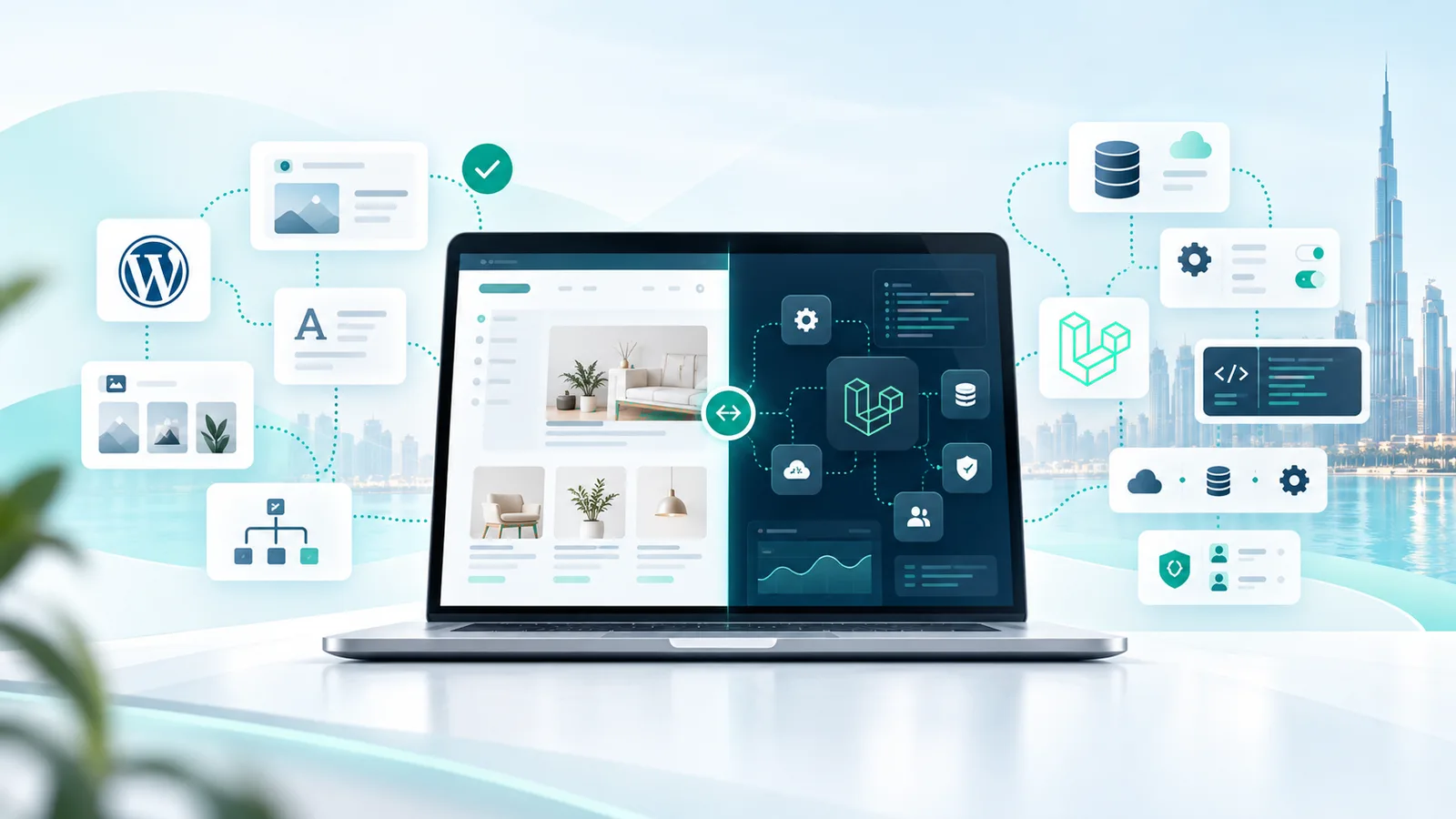
WordPress and Laravel can both build sophisticated solutions — they just start from different models.
If the project is fundamentally a company website — content, pages, news, forms, and possibly standard ecommerce — WordPress is often the simpler, more efficient choice. If the system itself is part of how the business operates — users, permissions, dashboards, custom workflows, calculations, integrations, portals, or internal processes — a custom structure like Laravel starts to make more sense.
Neither of those is an absolute rule. Some WordPress projects are genuinely complex. Some Laravel projects are genuinely simple. The useful question isn't "which technology is better?" — it's:
How much of your requirement is standard content/site functionality, and how much is business-specific logic?
The real structural difference
WordPress starts with a mature publishing, content-management, theme, plugin, and user-management system that can be extended substantially. Laravel starts as a general-purpose web application framework, giving the development team more direct control over application architecture, domain logic, data models, workflows, and APIs from the beginning.
The difference is less about what each one can do, and more about what each one gives you before custom development begins.
WordPress is often the efficient fit when:
- The site is content-led — pages, articles, service descriptions, a blog.
- A marketing team needs to manage and update that content themselves.
- The functionality needed is mature and well-supported in the WordPress ecosystem.
- Ecommerce needs are standard, and WooCommerce covers them.
- The project's timeline and budget don't justify building a custom system from scratch.
Laravel becomes worth considering when:
- The business has workflows specific to how it actually operates.
- User roles and permissions are more complex than a standard CMS model supports.
- The project includes a customer or client portal.
- The system needs custom dashboards, not just content pages.
- Data relationships are specific to the business, not a standard content model.
- APIs and integrations are core to how the system functions, not an add-on.
- The project is an internal operational system, not a public-facing site.
- Booking or request flows follow non-standard logic.
- The system itself is the product — not a marketing surface in front of a product.
Neither list is a checklist to total up and declare a winner. A project can sit mostly in one column and still have one requirement that changes the calculation.
Signs you're forcing WordPress to behave like a custom application
This is the most practical signal, and worth being specific about:
- Business logic is spread across several plugins and custom code snippets, with no single place that owns it.
- The same piece of data is stored in more than one place because no plugin models it the way the business actually needs.
- The internal workflow the team follows requires workarounds that don't match how any plugin was designed to be used.
- The required permissions no longer map cleanly to WordPress roles and capabilities without substantial custom logic or additional layers.
- A small requested change means touching a chain of plugin dependencies to make it work.
- The admin experience doesn't resemble the actual process the team follows day to day — people are working around the CMS, not through it.
None of these individually means a project needs Laravel — a site can run a lot of plugins and still be a perfectly reasonable WordPress project. It's the combination, and specifically whether the business logic itself has nowhere clean to live, that's the real signal.
Signs you're overengineering a project with Laravel
This matters just as much, and it's the part comparison articles usually skip:
- The project is fundamentally pages and content, with no unique business logic underneath.
- The marketing team needs a CMS they're already comfortable managing.
- The functionality needed already exists in mature form in WordPress.
- There's no business-specific logic that actually justifies a custom application.
- The cost of building and maintaining a custom admin interface doesn't add value the business will use.
A custom-built system that recreates what a CMS already does well isn't a stronger choice — it's a more expensive way to arrive at the same result.
The UAE angle
The decision framework above isn't different for a UAE business — but UAE projects often bring requirements worth weighing explicitly inside that framework:
- Arabic/RTL layout and content
- Bilingual content management
- UAE/GCC ecommerce requirements
- Local payment and shipping integrations
- CRM/ERP integrations
- Business or client portals
- Operational workflows specific to the business
These can add real scope to either platform — they don't automatically make Laravel the right answer. A bilingual content site with standard ecommerce is still, structurally, a WordPress-shaped project. A bilingual client portal with custom permissions is a different shape entirely, regardless of language.
How this decision looks in real projects
Two real Emargy projects on each side, and what actually drove the choice:
Laravel:
- Kevin Design — a premium Dubai outdoor living studio's digital presence, built on Laravel, Blade, and Vue as a custom website development project with its own portfolio system rather than a themed site.
- Dr. Hanadi Ibrahim — a bilingual English/Arabic medical website built on Laravel, including a live appointment flow implemented as part of the custom application.
WordPress:
- Casa Linda Properties — a bilingual WordPress real estate platform with custom property search, built on WordPress because the core need was a content- and listing-driven site with a mature CMS behind it.
- XYZ Car Rental — a Dubai fleet business delivered as a complete WordPress-based setup: domain, managed hosting, business email, and a custom-designed WordPress theme built for the brand, with inquiries handled through call, WhatsApp, and a form rather than a custom booking engine.
Four real projects, two platforms, no ranking between them — each one matched the shape of what the business actually needed built.
Decision table
| Requirement | WordPress may fit | Laravel may fit | What to investigate |
|---|---|---|---|
| Content-heavy marketing site (pages, blog, news) | Likely | Rarely necessary | Who manages content day to day? |
| Marketing team self-managing content | Natural fit | Requires an admin/CMS layer to be implemented or integrated | How technical is the team maintaining it? |
| Standard ecommerce catalog and checkout | Likely, via WooCommerce | Only if requirements are non-standard | Does checkout logic go beyond standard retail? |
| Custom user roles and permissions | Possible with plugins, worth scrutiny | Often a natural fit | Does a plugin-based role model actually match the business? |
| Customer or client portal with login | Possible, adds plugin complexity | Often a natural fit | What can/can't the portal user see or do? |
| Internal dashboards for the team | Possible with custom development/plugins | Often a natural fit | How custom are the workflow and data model? |
| Data relationships specific to the business | Depends on plugin support | Often a natural fit | Does an existing plugin model this data correctly? |
| APIs/integrations core to the system | Possible via plugins | Often a natural fit | Is the integration a feature, or the point of the system? |
| Booking/request flows with custom logic | Possible for standard cases | Worth considering for non-standard cases | Does the flow match a booking plugin's assumptions? |
| Subscriptions, B2B pricing, or account-based ordering | Possible with commerce plugins | Worth considering for complex rules | How far do the pricing/access rules diverge from retail standard? |
| Internal operational tooling (not public-facing) | Rarely the efficient fit | Often a natural fit | Is this a website, or an internal system that happens to be on the web? |
No winner column, deliberately — the table is meant to help scope a project honestly, not declare a platform.
Not sure whether you need a website or a custom system?
If reading this made it clearer that the project is mostly content and pages, that's a real, useful answer too — see Emargy's web development service.
Send us the workflow, users, integrations, and what the system actually needs to do. We'll tell you whether a CMS is enough or whether the requirements justify a custom application.
References
- Laravel official documentation (laravel.com/docs)
- WordPress.org official Features / developer documentation (wordpress.org)